-
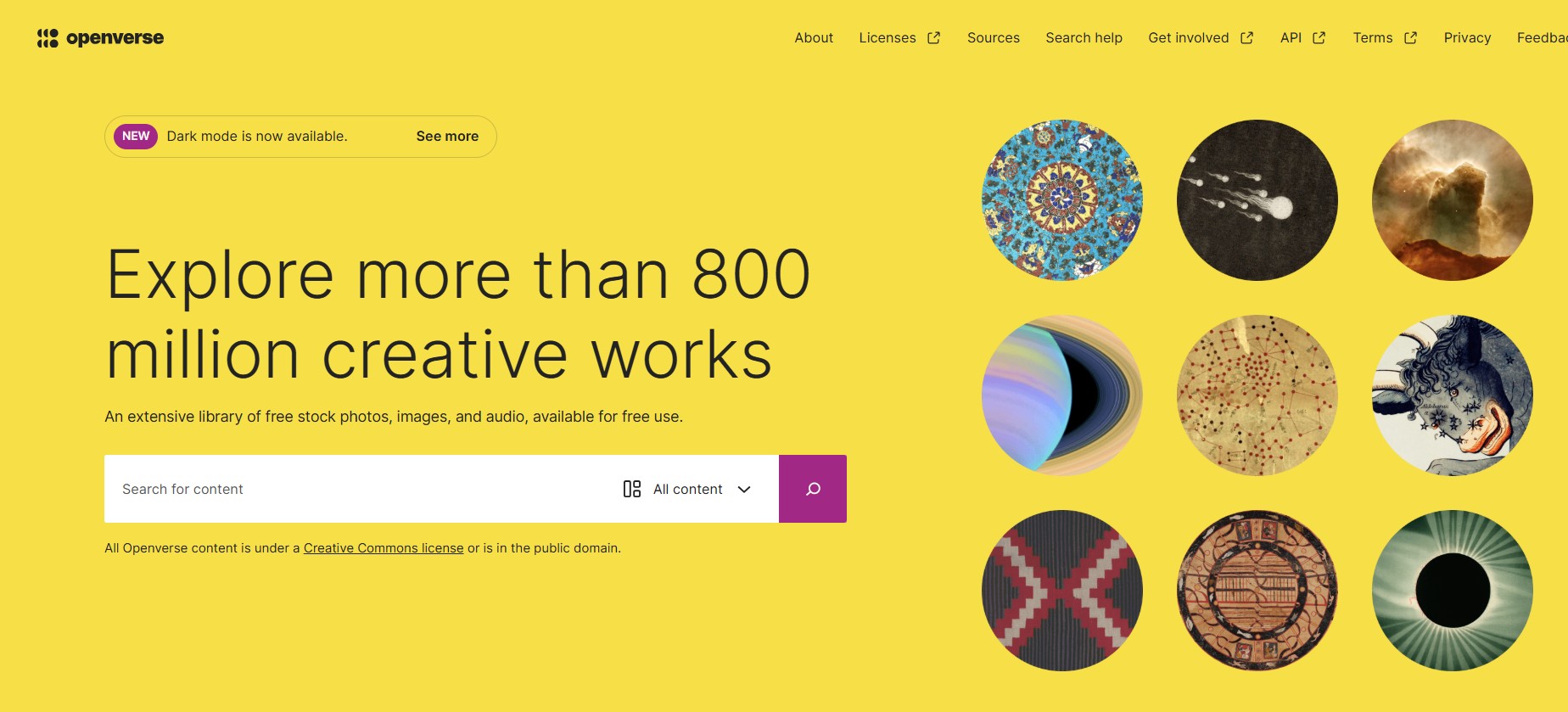
"More than 800 million creative works" - stock photos, images, and audio (from sources such as museums) available for free use.
-
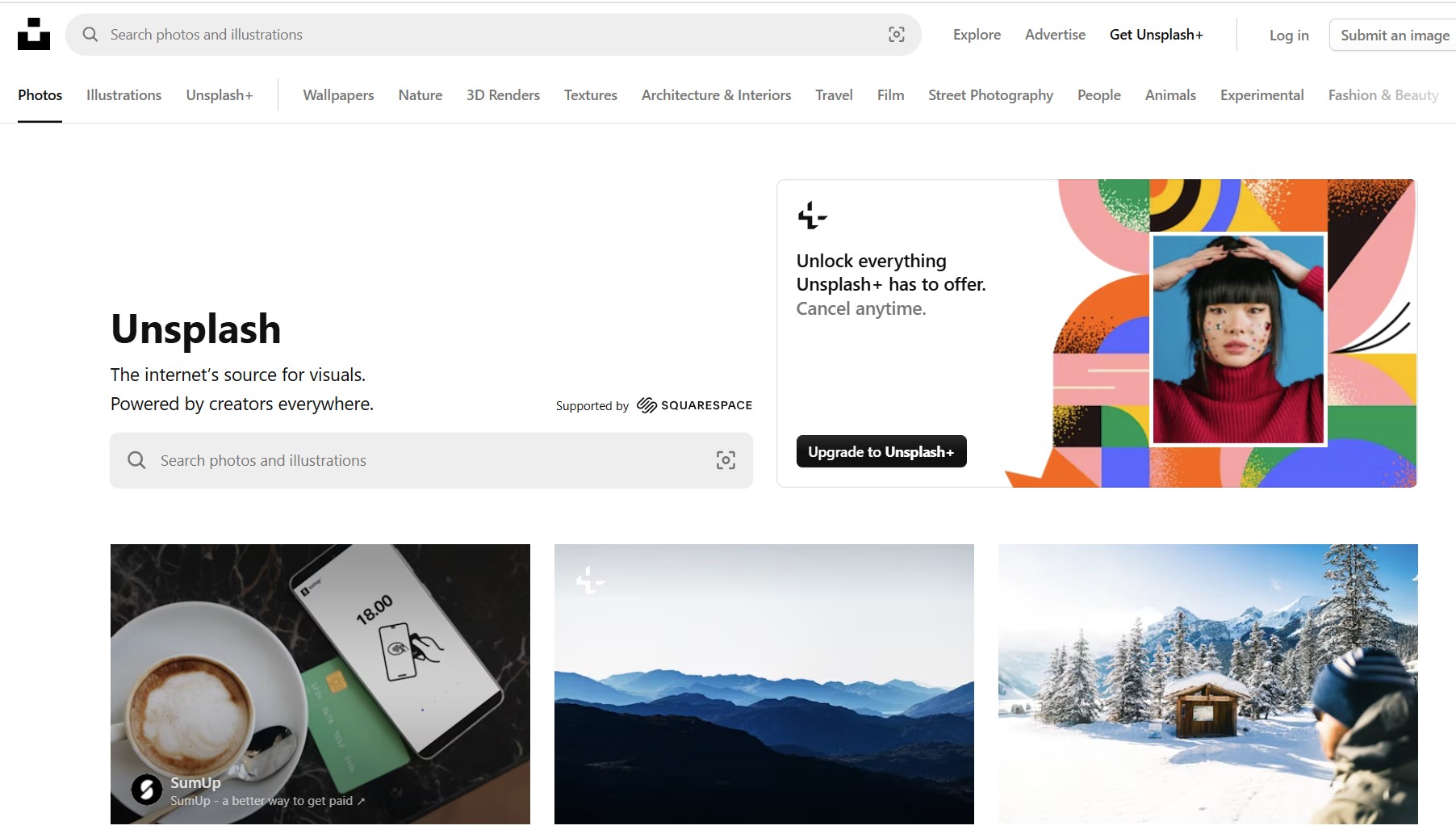
"The internet’s source for visuals. Powered by creators everywhere." (But be careful as they try to push you towards "premium" images on iStock that are definitely not free.)
[This is a draft page and still being worked on]
Background
Images are very useful on a website, and in all publications. However making sure that doing things correctly is complicated, and fraught with issues (legal, ethical, technical, aesthetic etc). This page aims to make it as easy as possible for Website Editors to use images legally and well. I have only just started it, and it will be developed over time as we find out more and develop our approach.
Photographs taken by someone who has given permission for the images to be used on the website and in publications are ideal for our use, as long as any people identifiable in the photograph were aware that it may be used for these purposes, and have no objection.
Similarly, photographs of art work produced by a member are very suitable for inclusion as long as both the photographer and artist have given their permission.
Sources of images on the web
If you want to use an image from the web, please let us have the "url" of the image so that we can see what the licence terms are. Here is an example URL: https://u3asites.org.uk/files/h/huntingdon/2024.jpg
If you would like any help finding images, or have any questions or suggestions, please contact Peter via the Blue envelope.
Google Images
Google does enable you to find many things on the web, and to limit your search just to images. It even helps you to choose to see just images with Creative Commons licences (which are free, but subject to certain limitations). As they describe in their page "Find images you can use & share", to do this you need to click Tools, and then click Usage rights and then choose Creative Commons.
Until you get used to this, perhaps the easiest way to use Google Images is via their Google Advanced Image Search. As well as other fields, make sure that for "usage rights" (at the bottom of the form) you click on the "Creative Commons Licence" option.
Google has many powerful features - to find lists of them just put "Google search powerful features" into a search engine!
Vecteezy
Vecteezy has free "vector" images (ie mostly drawings) - but be aware as they do include some "premium" vector images
u3a Image Library
There are a few images available from the u3a brand site, but you do need a (free) account to download them.
References
- SiteWorks Media Management - documentation, especially useful on image sizes, copyright and usage within our website
- u3a's Copyright and Licences document (pdf)
- Tutorial on Finding Images from wptrainingmanual.com
Other guides to useful image sites
- 15 Free Public Domain Images Sites
- Free Stock Photos
- Flickr Commons (no easy search)
- The Noun Project - "Icons and Photos For Everything"