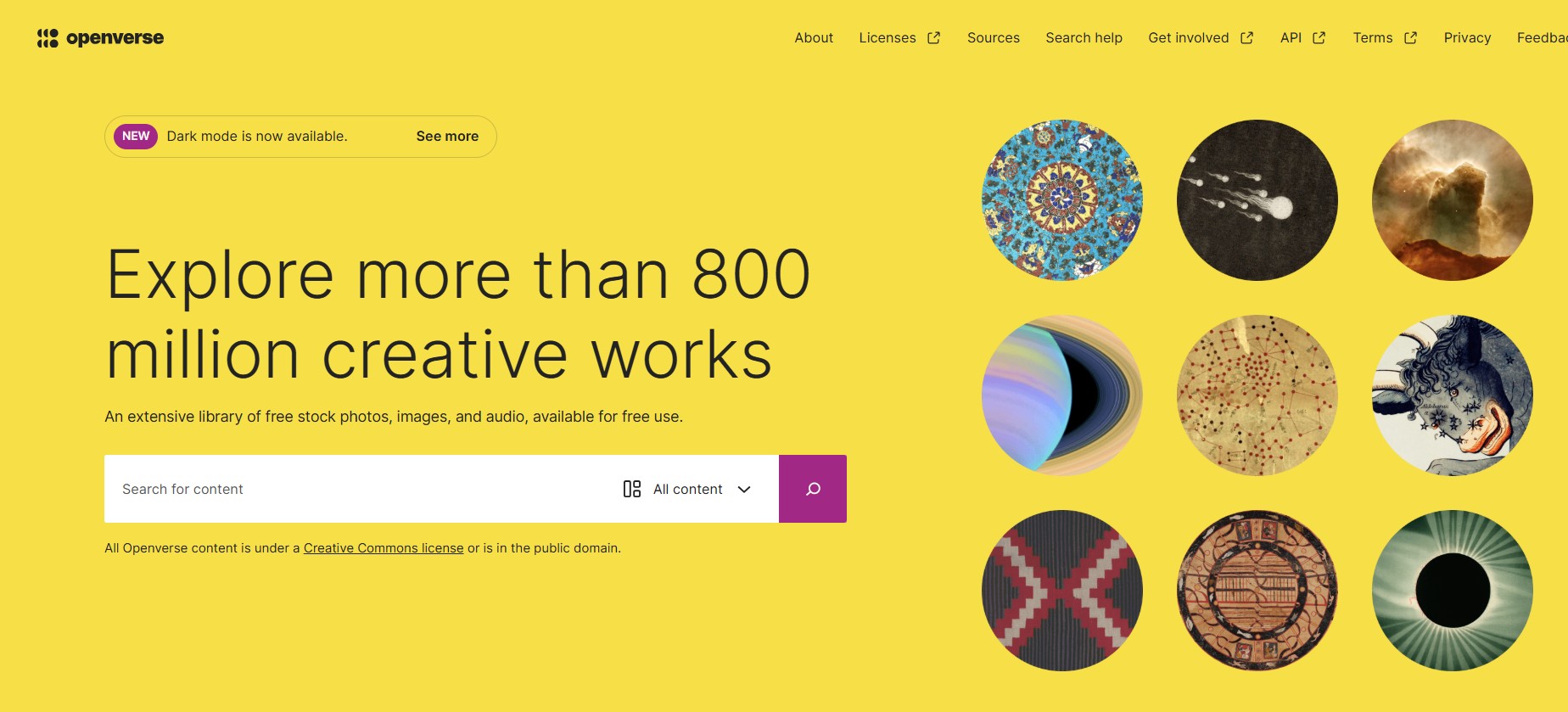
"More than 800 million creative works" - stock photos, images, and audio (from sources such as museums) available for free use.
[This is a draft page and still being worked on]
Licence and Attribution
Using the process below, Openverse makes it attribution/licence link eg:
“<a href="https://www.rawpixel.com/image/14259514/letter-poem" target="_blank" rel="noreferrer noopener">Letter or Poem</a>" by J. Paul Getty Museum/ <a href="https://creativecommons.org/publicdomain/zero/1.0/?ref=openverse" target="_blank" rel="noreferrer noopener">CC0 1.0</a>
Which then appears as "Letter or Poem" by J. Paul Getty Museum/ CC0 1.0
Notes
To insert an Openverse image into a page (if you insert an image block in the usual way you will not be able to select Openverse as a source):
- Open the 'block inserter' (the white on blue cross).
- With the tabs: Blocks/ Patterns/ Media, open the Media tab.
- Then choose 'Openverse’ and enter some keywords to search for pictures:
- When you have found the image you want, just click on it and it will get downloaded to your Media library and added to the page.
- If you want a new 'Openverse’ image just as the Feature image do the above, then delete the image block, and set the featured image to the image newly added to the Media library.