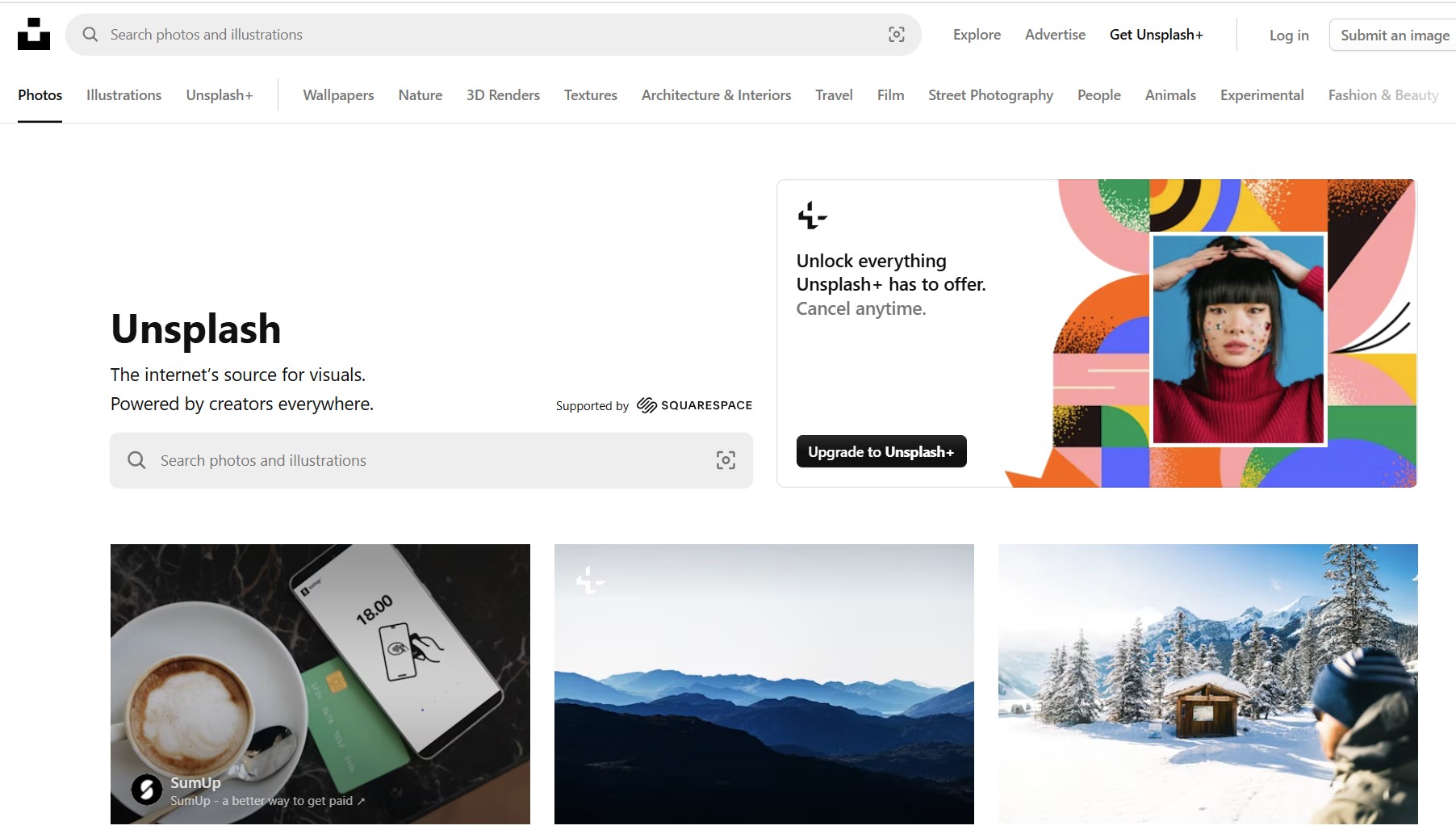
"The internet’s source for visuals. Powered by creators everywhere." (But be careful as they try to push you towards "premium" images on iStock that are definitely not free.)
[This is a draft page and still being worked on]
Licence and Attribution
Unsplash offers an attribution/licence eg (using the procedure below):
Photo by <a href="https://unsplash.com/@likeffer?utm_content=creditCopyText&utm_medium=referral&utm_source=unsplash">Lisa Keffer</a> on <a href="https://unsplash.com/photos/blue-and-white-ball-and-white-golf-club-3B8nIiT-Pmc?utm_content=creditCopyText&utm_medium=referral&utm_source=unsplash">Unsplash</a>
So this can be used as a caption if “Photo” is replaced by the title, which would then appear as: Table Tennis bats by Lisa Keffer on Unsplash
Notes
https://help.unsplash.com/en/articles/2534409-crediting-photographers
Can get title by searching for filename
Find the image you want (avoiding the premium images in the block at the top, and any watermatked with a “+”), and click on it.
Download it and upload it to your media library
Copy and paste the title to the title attribute (and adapt as you want)
On the Thank you pop-up you will see an attribution, copy it to your clipboard, paste it into the caption attribute (change Photo to a more meaningful title)